Data Mining/08.04.2013/Sistem Informasi
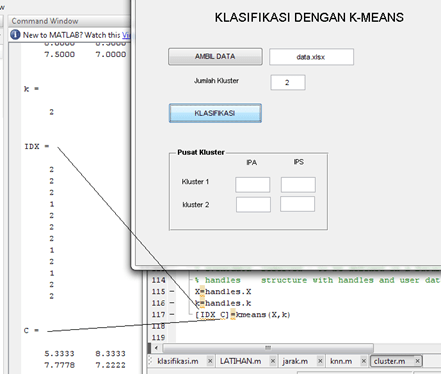
This week, because I have trouble with my tummy, I cannot teach Fuzzy C-Means (FCM) Clustering. But I will give a simple explanation in this blog. Last week we have learned the hard clustering with K-Means and create a simple application with GUI. For simplicity, we can use that GUI and change the K-Means Method with FCM.
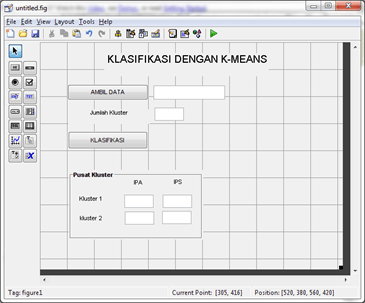
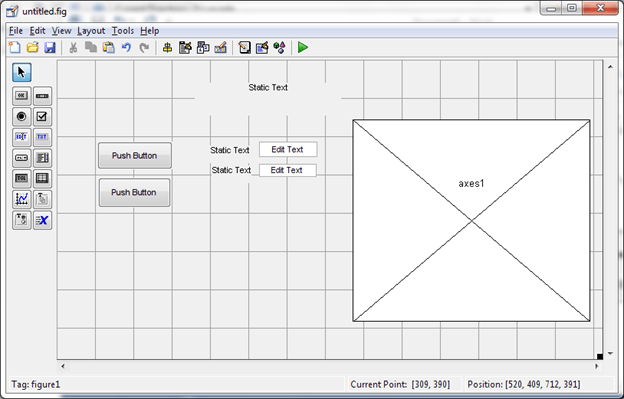
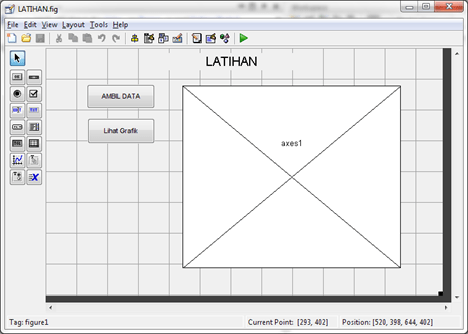
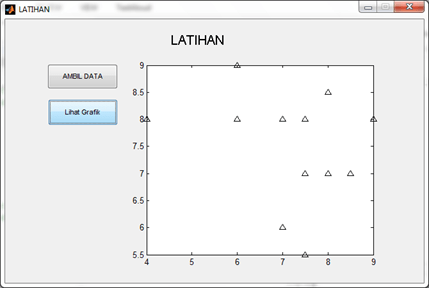
Open your Matlab and change the current directory to your last Matlab Application. Type guide <name_of_application>, or click File – New – GUI and chose tab: Open Existing GUI. Browse your GUI (fig file). This is my own GUI of K-Means application.
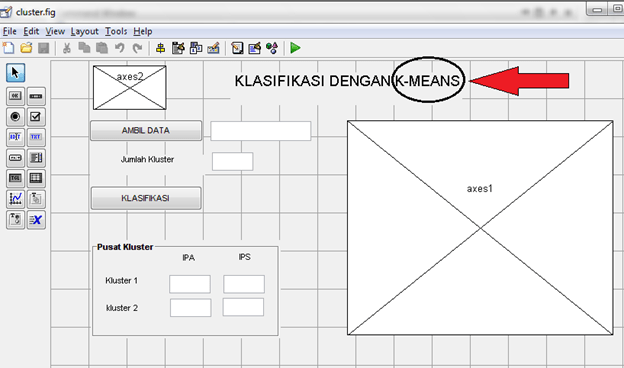
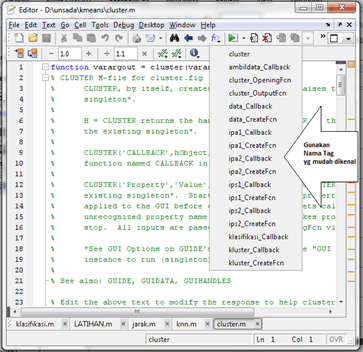
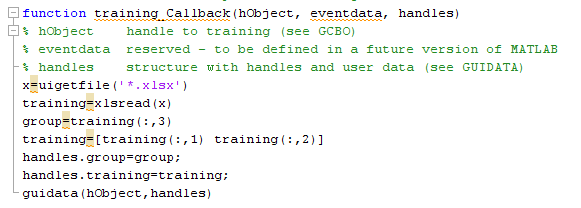
After change the title K-Means with FCM, save as your work and give a different name, so we have two application: K-Means and FCM. Go to your m-file and find the function that state about K-Means Clustering. Change it with FCM function. There is a little different about separation of each cluster. For this example, we used two classification (IPA’s and IPS’s). Use the script below for classification function:
- X=handles.X
- k=handles.k
- [C,U]=fcm(X,k)
- set(handles.ipa1,‘String’,C(1,1))
- set(handles.ips1,‘String’,C(1,2))
- set(handles.ipa2,‘String’,C(2,1))
- set(handles.ips2,‘String’,C(2,2))
- index1=find(U(1,:)==max(U))
- index2=find(U(2,:)==max(U))
- axes(handles.axes1)
- line(X(index1, 1), X(index1, 2), ‘linestyle’,…
- ‘none’,‘marker’, ‘o’,‘color’,‘b’);
- line(X(index2,1),X(index2,2),‘linestyle’,…
- ‘none’,‘marker’, ‘^’,‘color’,‘r’);
- hold on
- plot(C(1,1),C(1,2),‘ko’,‘markersize’,11,‘LineWidth’,2)
- plot(C(2,1),C(2,2),‘kx’,‘markersize’,11,‘LineWidth’,2)
- function kluster_Callback(hObject, eventdata, handles)
- hold on
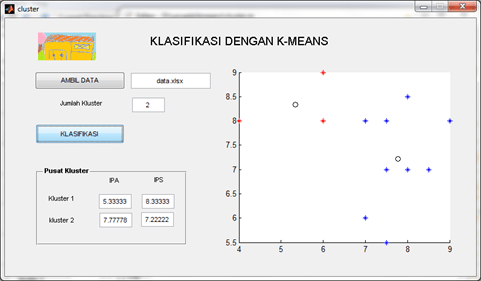
After Running, you have to see the result below. You can separate the data into two cluster (tends to IPA and Tends to IPS):

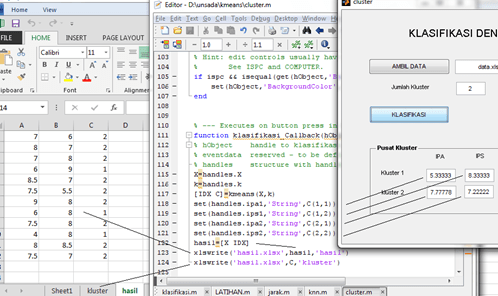
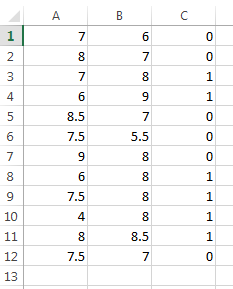
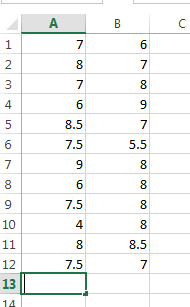
Now, try to make a code for creating the result in Excel.




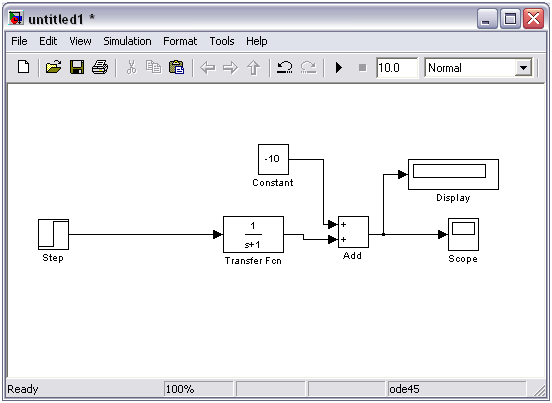
 di Matlab. Tunggu beberapa saat hingga matlab memunculkan jendela simulink. Untuk menggambar diagram blok baru klik icon
  (new) pada jendela Simulink Library browser. Gambar bentuk contoh di bawah ini.
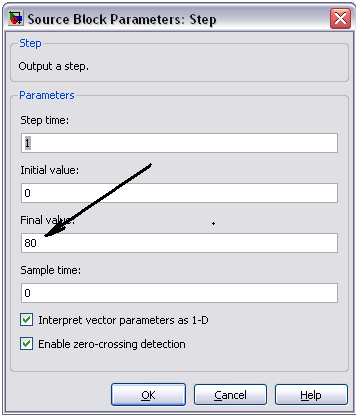
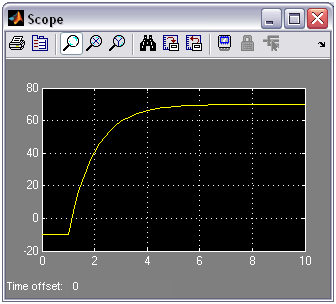
 (run) dan ganti angka di sebelah kanannya sesuai keinginan. Defaulnya adalah 10 detik, Anda bisa mengganti menjadi 100 detik atau lebih sesuai dengan kebutuhan. Hasilnya tampak pada gambar di bawah ini.



 untuk kembali ke mode edit slide. Selanjutnya, ketika Anda membuat slide baru lewat menu New Slide, akan tampak template yang baru saja kita atur.